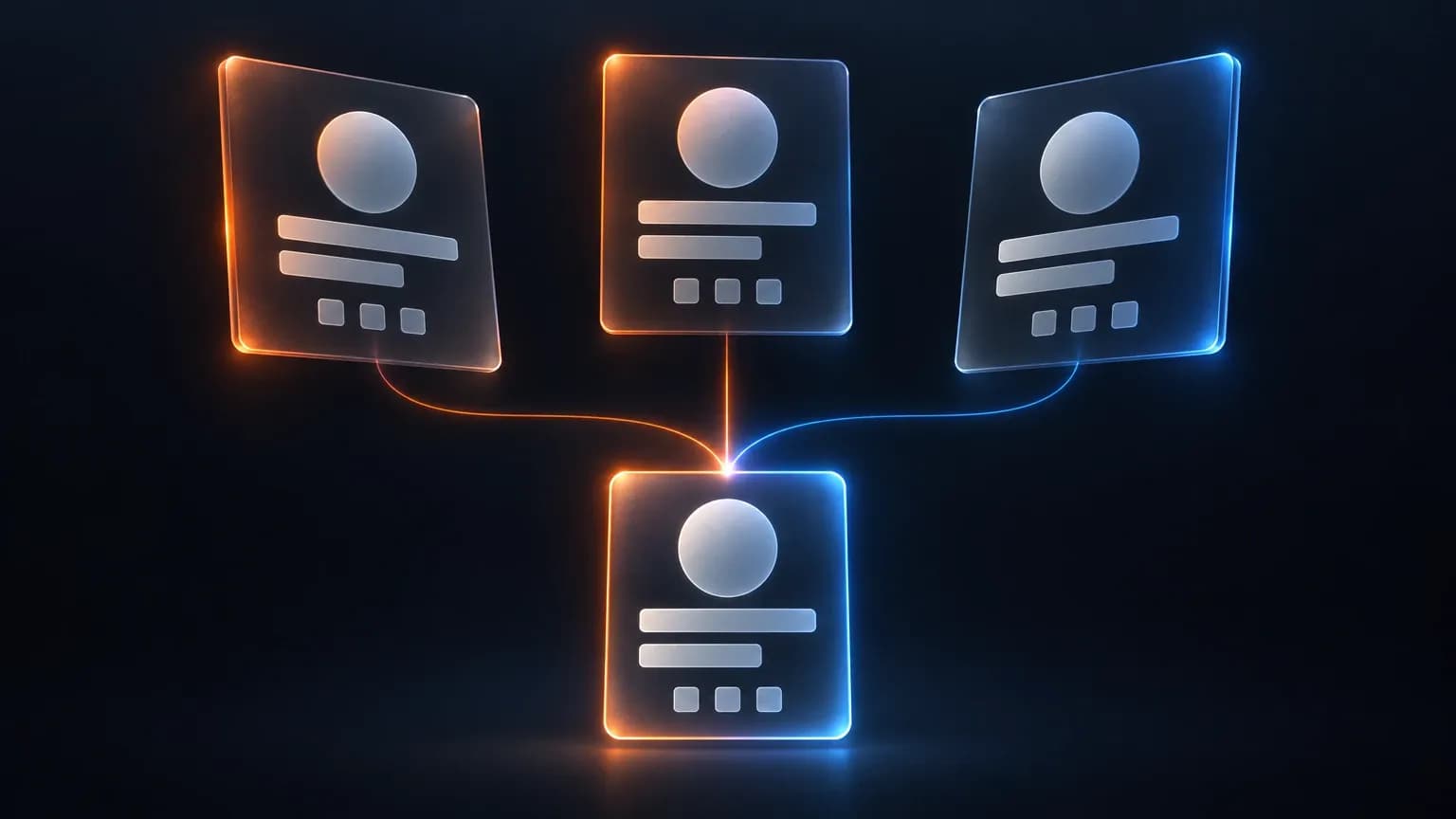
Your CRM, your product database and your web analytics each hold the same customer under a different identifier. You have already collected the data. Which record wins when the three of them disagree?
Two years ago a customer bought from you, opened a support ticket, and logged in from a laptop and a phone. Your systems recorded all of it. Your CRM has a contact. Your product database has a user id. Analytics has a cookie. Count that person today and you will probably get three.
You did not choose that outcome. Each system was bought by a different team to answer a different question, and each minted the identifier that made its own question easiest. You inherited three accurate records of one person and no way to prove they are the same person.
The join is where a first-party data strategy actually gets decided. Every guide names it now, and almost none specifies it. What they leave out is the set of four decisions that determine whether your records can be joined at all, and none of them is which platform to buy. The first is which of your systems can produce a key at all, and what happens to the records that cannot.
Collection Is Solved. Identity Is Not.
The premise you keep hearing is that third-party cookies went away. They did not. Google's October 2025 document, Update on Plans for Privacy Sandbox Technologies, retired the replacement program rather than removing cookies from Chrome, and some of those technologies are now being phased out. Third-party signal did not disappear in one event. It fragmented: some still works, some sits behind a consent wall, and some is alive in one browser and gone in the next.
Collection, meanwhile, is a solved problem. Every guide covers forms, consent banners, purchase history and product events, and an AI Overview hands you the definition before the first result. What those guides leave unspecified is the join: which key each system can produce, and which fields consent removes first.
Why You Already Have Three Records Per Customer
Three systems that were never designed to agree produce three records as a matter of course. None of them is failing at its job.
Take one customer who has been with you two years. In your CRM they are a contact with an email address, an owner and a deal history. In your product database they are a user id with a seat and a login history. In analytics they are a cookie and a session stream. Each record is correct inside its own walls.

Then the merge attempts begin. A nightly sync matches on email, so records with a mistyped address drop out without an error. A second match runs on company domain and collapses every colleague at the same firm into one profile. The output looks unified. The count is wrong in both directions.
The expensive part is downstream. Unresolved records distort every number that sits on top of them, because revenue attribution runs on those records and you are counting people you have already split into pieces. One customer with three records can show three first touches, three conversion events and three attributed orders.
You can spot this without a query. Compare CRM contacts against paying accounts for the same month. If the gap moves with your sync schedule rather than your sales, you have an identity problem.
Choosing the Join Key
The join key is the field you trust to say that two records are the same person. There is no universally correct one, which is the part most guides skip. The right key depends on which two systems you are joining and what each can emit, so the choice is per system, not per company.
Email, hashed email, customer ID and device graph
Key | What it survives | Where it fails | Systems that can produce it |
|---|---|---|---|
Email address | CRM, email platform and support desk; readable and auditable | Normalization, aliases, shared households, role addresses, employer changes | CRM, checkout, support desk, email platform |
Hashed email | Matching between parties without sharing raw personal data | Every email failure above, plus hash method and normalization must match | Email platform, ad platform, clean room |
Customer ID | Exact and deterministic, survives an email change | Absent from anonymous traffic and anything before login | Product database, billing, CRM with enforced one id |
Device graph | Coverage of unauthenticated traffic across devices | Probabilistic, shared devices, resets, no consent story of its own | Identity vendor, ad platform, cross-device analytics |
The field agrees on the shape of the answer. Twilio Segment calls deterministic resolution a high-confidence method where you know with certainty that this user did that, and probabilistic resolution a statistical model with a confidence interval. mParticle is blunter: probabilistic matching should never be your core strategy.
That points to a two-key design rather than a single winner. A strong key carries everyone you have authenticated. A weaker key covers the rest and never overwrites a strong match. Most stacks run one key everywhere and then wonder why the join fails first at the edges, where most of your traffic is anonymous.
There is a harder case. A system that cannot emit any stable identifier does not join, and no amount of matching cleverness fixes it. Call center notes with a free-text name field are the usual example. Log it and leave it out of the first build. I have watched a team spend a quarter on a fuzzy match instead, and the residue outlasted the integration.
Once the key is settled, the systems that hold the joined record become a real question. Comparing marketing analytics tools is worth doing at that point and misleading before it, because each accepts some keys and mangles the rest.
What breaks when you merge on email
Email is the default because it is the one field every system has. That is all it has going for it.

Normalization drift comes first. One system lowercases and trims, another stores exactly what was typed, a third appends a source tag. Two records for the same person fail an equality check over a trailing space.
Aliases and plus addressing come next. Someone signs up as name+newsletter@example.com and buys later as name@example.com. Same inbox, two records, and the join drops the purchase history onto a customer who never received an onboarding email.
Household addresses are shared by design. Two adults, or a parent and a student, can share one inbox. The join is technically correct and behaviorally wrong: your frequency cap, lifetime value and next-best-offer all assume one person.
Business addresses make it worse. Role addresses such as info@ or sales@ are not people. The same human appears under a work address and a personal address, and they stay separate until you decide otherwise. Then they change employer, the work address is reassigned, and the profile belongs to a stranger.
LiveRamp, in a vendor-published result measured by Comscore CustomIQ in the first quarter of 2026, reports a 99.5 percent match on full personal information with complete address data. The same LiveRamp material, also vendor-published, states that match rates for single-identifier solutions such as cookies or hashed emails plateau at around 50 percent, and reports 89.8 percent when LiveRamp matches on email alone against a 40 to 60 percent baseline. Those figures describe that vendor's own graph, not an outcome your stack reproduces by switching keys. The ceiling is structural: the key was never on every record to begin with.
The Consent Layer Decides What You May Join
Most teams treat consent as a collection question, meaning whether they had permission to capture a field. It is also a join question, and that one gets skipped.
GDPR Article 5(1)(b) requires personal data to be collected for specified, explicit and legitimate purposes and not further processed in a manner incompatible with those purposes. Article 5(1)(c) limits it to what is adequate, relevant and necessary. Read the two together with a join in mind and the conclusion is uncomfortable. A field can be perfectly joinable and still not joinable for the profile you are building.
A support ticket exists to resolve a problem. Pulling its email address into an advertising profile is a new purpose, and the basis you relied on to run support does not cover it. Nothing in your pipeline enforces that distinction, so it joins whatever you point it at.
This is also where the org chart gets in the way. Consent belongs to legal. The join belongs to a data engineer handed a matching problem. Neither owns which fields may cross into which profile, so the decision gets made by whoever runs the next sync.
So consent works as a prefilter. It removes fields from the join before the join is designed, in one pass over every field you intend to use:
- Purpose recorded: which stated purpose covers the field, and who signed off.
- Activation allowed: whether the field may leave analytics for an ad platform at all.
- Join permission: whether the field may link two records or only be stored.
- Retention window: how long the field may sit inside a joined profile.
- Deletion propagation: whether an erasure reaches the joined record.
- Source of truth: which system's version wins when two copies disagree.
Any field that fails one test is out of scope for the join, whatever your matching rate would have been.
The joined record then becomes the input to reporting, which is where marketing attribution software can do its job. It works on the records it can see. It cannot repair a join you never made.
The Build Order
Order matters because each step constrains the next. Delaying the purchase is the point: a platform freezes a data model before you know what your systems can produce.
Before any of it, decide what one resolved record has to support. If your marketing KPIs are defined at the account level, the record has to resolve to an account. If they are defined per buyer, the join has to preserve the individual even when two people share a company domain. Getting this wrong produces a clean join that answers the wrong question.
- Inventory the keys per system. List the identifiers each one can emit, and whether it emits them at write time or only in a nightly export. An identifier that arrives a day late is a different asset from one you have at login.
- Name one owner per field in advance, so the join follows a rule instead of a preference. Where two systems disagree about an unowned field, the last writer wins, and the last writer is whichever sync ran most recently.
- Build the deterministic join first. Authenticated identity only, no probabilistic fill. This part has to be exactly right, because everything added later inherits its errors.
- Add the probabilistic layer behind a rule. It may attach a new record to an existing one. It never overwrites a deterministic match and never merges two authenticated records.
- Write the consent prefilter into the pipeline, not into a policy document. A field that fails the checklist should be rejected by the job, not by a person remembering.
- Choose where the joined record lives. This is where a CDP usually enters, and by now you can judge one against a specification you wrote instead of a demo you watched. The warehouse you already pay for is sometimes enough. Either is a good ending. Neither is a good beginning.
The sequence is the same whether you run three systems or thirty. What changes is how long step one takes.
Conclusion
None of this needs a new purchase. A first-party data strategy that holds up rests on four answers: which key each system can produce, what happens when two records disagree, which fields consent removes before the join, and what order the work happens in.
The join is the strategy because every number downstream is computed from it. Segmentation, frequency capping and reporting all assume one record per customer, and where that breaks they get confidently wrong.
Start with the inventory in step one. It takes an afternoon, needs no budget approval, and tells you more than the last platform demo did.
Frequently Asked Questions
What is first-party data?
First-party data is information a company collects directly from the people it serves, through its own forms, purchases, product usage and conversations. It is collected under the company's own notice and consent, rather than bought or borrowed from a third party. Because you hold it directly, you control what it contains and how long you keep it.
How do you collect first-party data?
You collect it through the systems your customers already touch: checkout, account signup, the product itself, the support desk and any gated content. Each of those systems records an identifier alongside the data it captures, and that identifier is what makes the record findable later. How long you keep the data, and what you told people when you captured it, are decided at this step rather than afterwards.
Is first-party data the same as zero-party data?
No. Zero-party data is what a customer deliberately tells you about themselves, such as stated preferences or a saved size. First-party data is broader and includes observed behavior, so every zero-party signal is first-party and not the reverse. Both are collected by you directly, which is what separates them from second and third-party data.

Find out where your records already break
Allable connects your ad accounts, analytics and search data, then runs the reporting and campaign work on top of them. Start with the systems you already own.